The whole region in one run
The system fills every branch in the region together. Alternatives sit side by side, branch by branch; an unfilled shift says which branch it belongs to.
Café, restaurant or retail chain: the rota, clock-ins, the till and the payroll file work the same way in every branch. Look at one branch, one region or the whole business from a single screen.
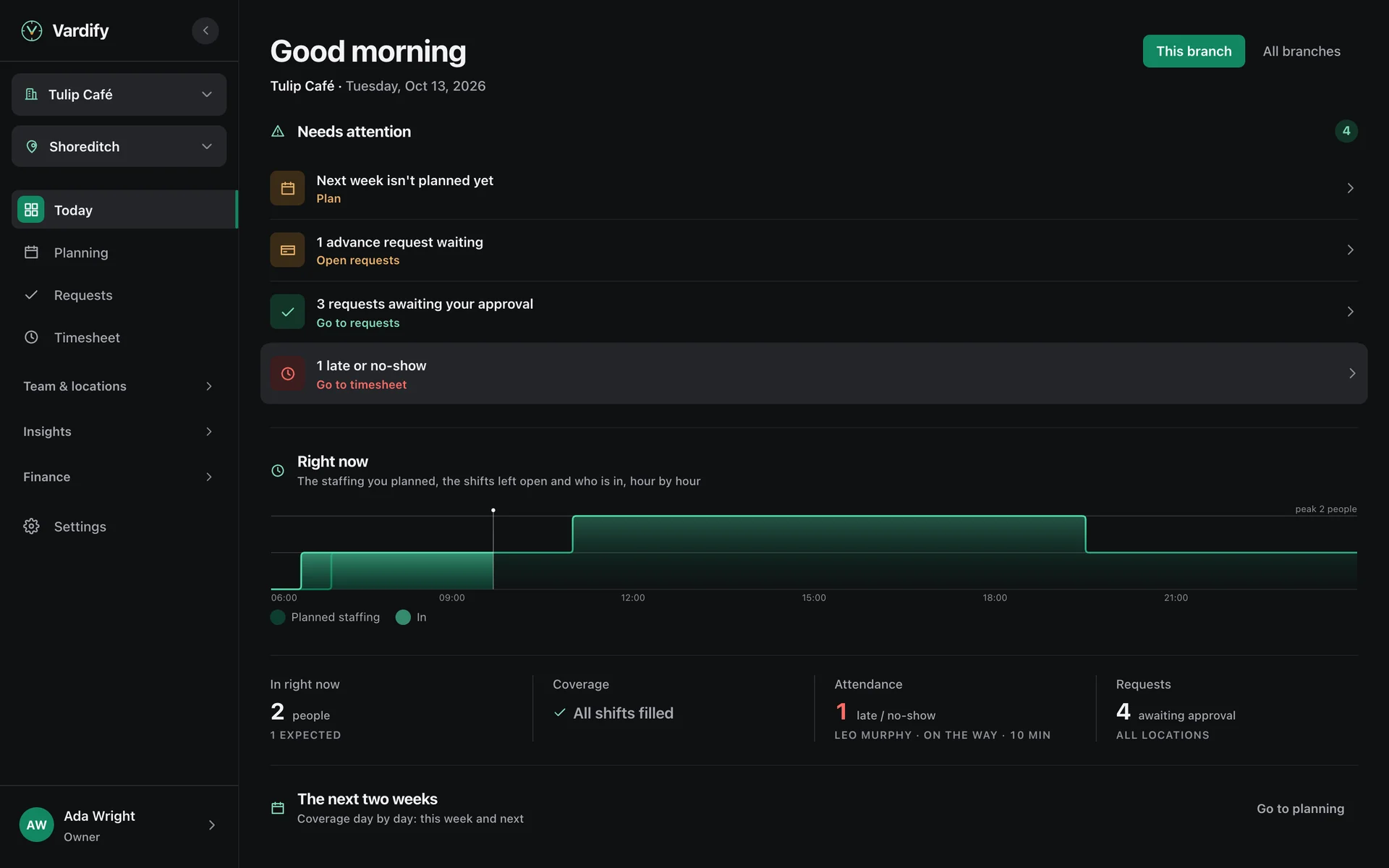
The region manager builds every branch's week in one go. People are placed wherever they are needed that day.
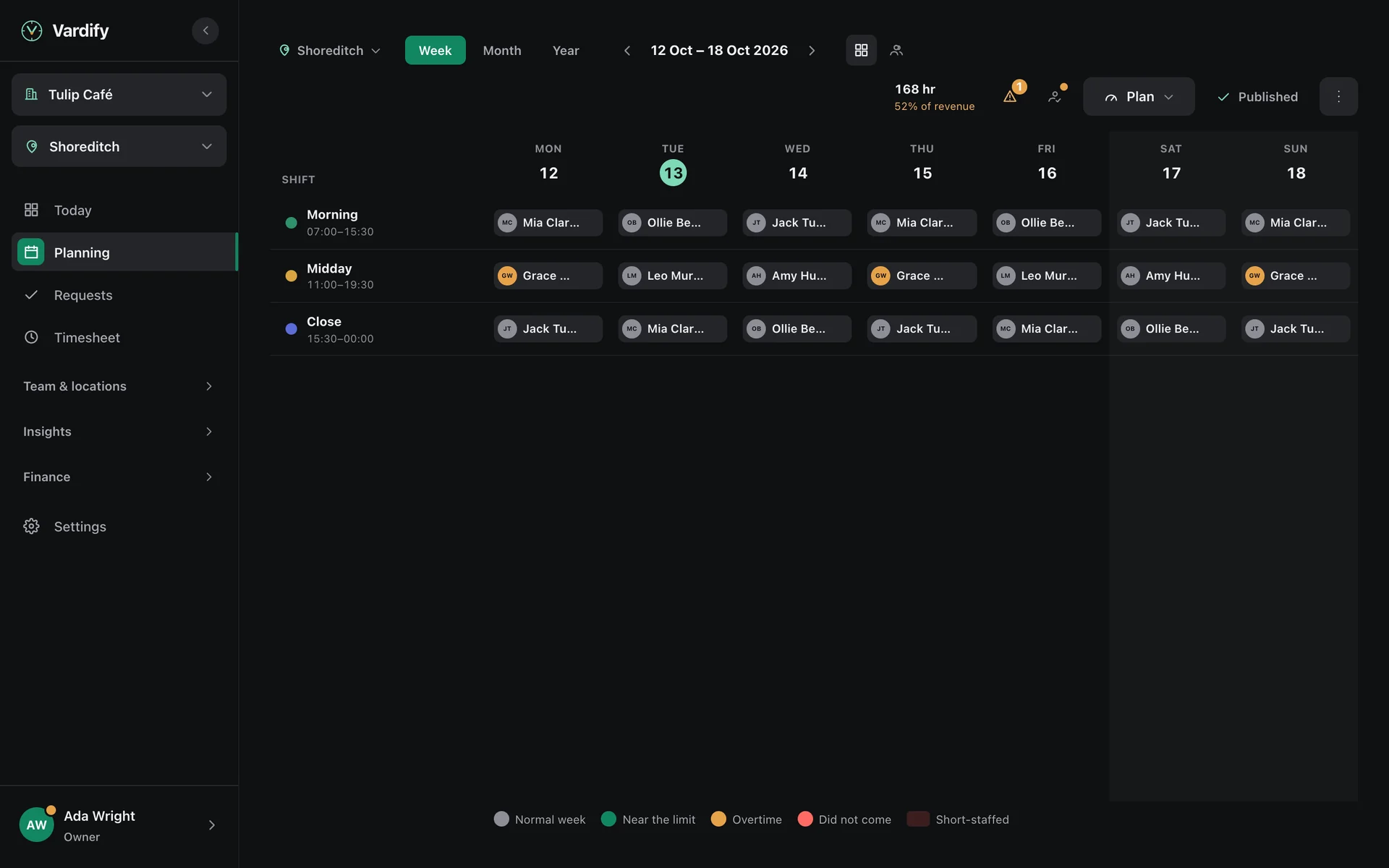
The system fills every branch in the region together. Alternatives sit side by side, branch by branch; an unfilled shift says which branch it belongs to.
Everyone has a home branch and works at another one in the region when needed. Leave, advances and timesheets belong to the person, not split by branch.
Someone on shift at another branch shows as busy for those hours. They cannot be booked at a second branch at the same time.
Sales and past weeks show how many people each branch needs, hour by hour.
The same clock-in and the same proof in every branch. No card readers, no turnstiles.
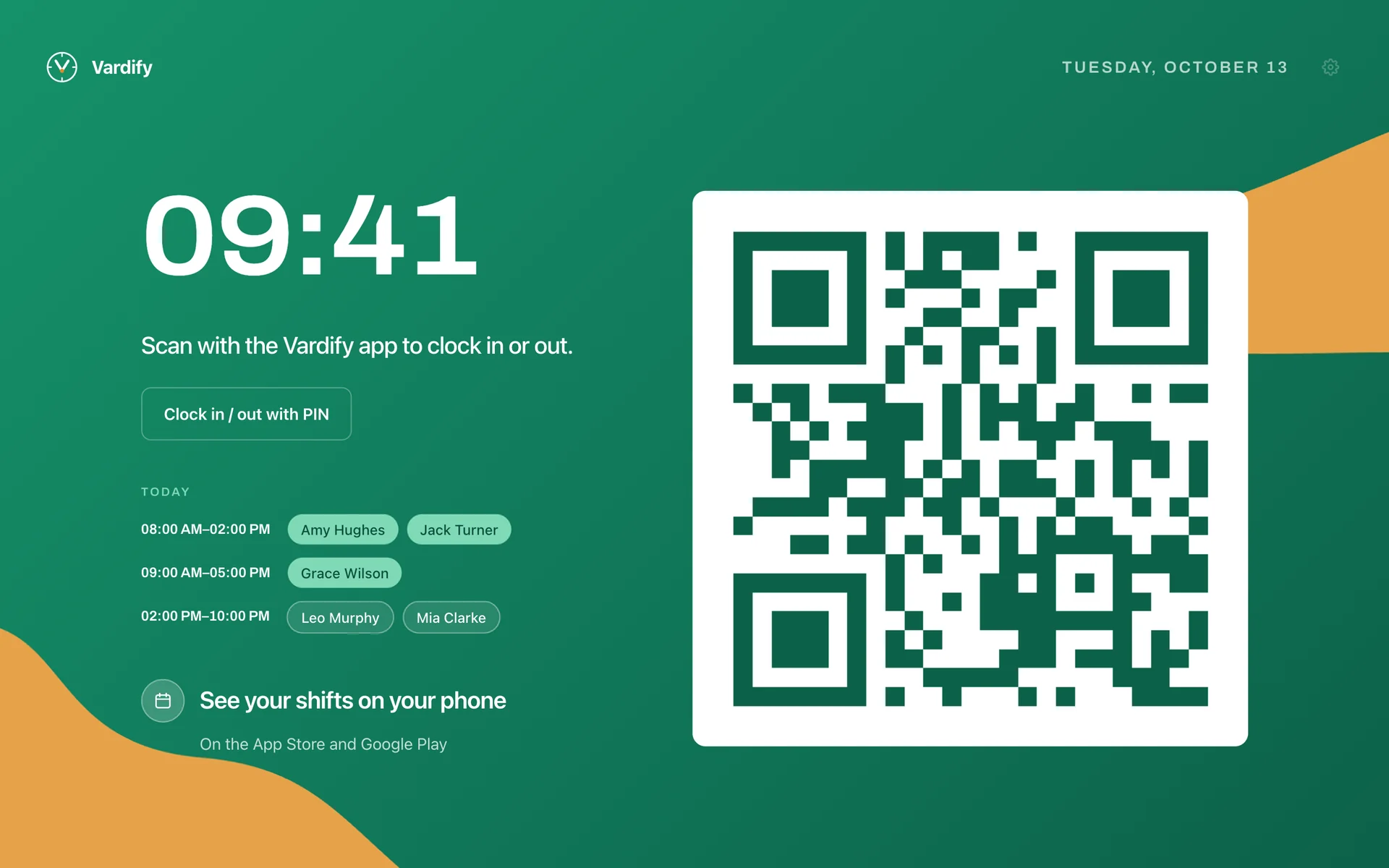
The branch tablet shows a QR code that keeps changing; staff scan it with their own phone.
A tap on the tag by the door is enough.
A scan only counts from the branch's network or inside its boundary. A photo of the tag taken at home is no use.
A personal PIN on the tablet. If the internet drops, the record is kept and sent when it comes back.
Opening and closing items and tasks close with a photo or a short, silent video.
Toilets, stockroom, cold room: the code at the spot is scanned on schedule, with a photo if you ask for one. A missed round shows.
Takings, labour cost and till differences branch by branch, with region and business totals.
Sales, the Z report, the count and the card channels are matched that evening. If there is a difference, the day does not close until it is explained.
Each branch's weekly labour cost and its share of sales. A week that will go over budget warns you before it is published.
Read the same figures for one branch, a region or the whole business.
Requests come in on the phone, decisions go on record, the file is ready when the period ends.
Requested on the phone, approved by the manager. Busy days can be closed to leave.
Someone who can't make it hands the shift to eligible colleagues or swaps it; the rules are checked again for both.
Repeated lateness becomes a written record. The employee writes their statement on the phone, and the decision goes on file.
Before the period closes, everyone sees their own hours and approves or objects.
When the period closes, the file comes out in the format your accountant's payroll program expects.
Staff ask for an advance on the phone, the manager approves, and the record stays with the person.
Tips are not counted as takings; they are shared out to people, and everyone sees their own share.
The closing shift leaves a note, the next day's opening reads it. It stays in the log until someone resolves it.
Branches belong to regions, people belong to groups. Every permission holds in one branch, one region or the whole business.
Bundle permissions into groups; a child group carries its parent's permissions too.
A region manager sees and plans only the branches in their region.
Staff read and accept the privacy texts in the app; which version they accepted, and when, is kept.
Head office sees each franchisee's labour cost, takings, hours and open shifts side by side. Staff personal data stays with the franchisee.
Shift templates and announcements go out to the whole network at once, and you see who has received them.
Each franchisee sees its position against the network median; no other franchisee's name or figure is ever shown.
The first branch is in the plan; each further branch is a fixed monthly add-on for your plan. Try it free, no card asked.
Pick your sector, add your team from Excel or with a join code, publish the first week. Try it free; no card asked.